Picky Eater Family Meal Planning: How to Give Kids Bounded Choices Without Cooking Twice
Stop cooking three separate dinners every night. Use the Deconstructed Bowl method, 1-Safe-Food rule, and bounded weekly kid meal requests.
Short Answer
Nothing drains the joy out of cooking faster than spending 35 minutes making a warm dinner only to hear "Eww, the sauce is touching the rice!" before your child even sits down—followed by the temptation to make buttered noodles at 6:15 PM just so they eat something. Yet becoming a short-order cook who prepares two or three separate meals every night exhausts parents and locks kids into an ever-shrinking list of accepted foods.
Step out of the short-order trap tonight without any app by combining the "1 Safe Side + Deconstructed Serving" Rule with Bounded Pre-Week Kid Requests:
- Cook ONE family meal, served "Deconstructed" (components separate before saucing). Pull out a plain portion of pasta, rice, tortilla, or roasted chicken for your cautious eater before tossing the rest of the pan in curry or herb sauce.
- Guarantee at least ONE "Safe Food" on the table at every meal (plain bread, rice, fruit slices, cucumber sticks, or shredded cheese) so every child can fill their stomach without pressure or fear.
- Give each child ONE "Bounded Dinner Vote" on Sunday ("Do you want Lemon Chicken Skillet or Black Bean Quesadillas on Tuesday?") from your approved family recipe list—not an open-ended "What do you want me to cook right now?" at 5:30 PM.
- Keep the Division of Responsibility clear: Parents decide what, when, and where food is served; the child decides whether and how much to eat from what is on the table.
Why Families Encounter This Problem
In feeding research and parent discussions on r/Parenting, three everyday dynamics turn dinner into a power struggle:
- Mixed-Texture Overload: Many children between ages 3 and 9 are wary of mixed casseroles or stews where they cannot see individual ingredients. Serving the exact same ingredients side by side (rice + black beans + avocado + tortilla strips) often turns a rejected meal into an accepted one with zero extra cooking.
- 5:30 PM Autonomy Battles: When children have zero say in the weekly menu, their only lever at 6:00 PM is refusal. Letting them request one approved family dinner ahead of time shifts them from critic to co-planner.
- Pressure Backfires at the Table: Bargaining ("Eat three more bites of broccoli or no bedtime story") increases mealtime tension and makes children more suspicious of the target food.
Realistic Household Example
Household: Parents Nora and Dev cooking for three children: Pip (age 4, dislikes mixed sauces and spicy food), Theo (age 8, loves crunchy textures), and Isla (age 14, vegetarian preferences on several nights).
- How the household plans one dinner for five people:
- Bounded Sunday Request: In Kid Mode, Pip opens her picture-based Yums tab and taps the illustration for Crispy Quesadillas to send a polite meal request to Mom and Dad.
- Parent Review & Grocery Sync: In Meals → Planner, Nora sees Pip’s request, schedules Black Bean & Cheese Quesadillas for Tuesday practice night, and syncs the ingredients to the grocery list.
- Deconstructed Wednesday Curry: On Wednesday, Nora makes Red Lentil & Sweet Potato Skillet. Before stirring in the spiced coconut sauce, she sets aside a small scoop of plain rice, roasted sweet potato cubes, and apple slices for Pip—one pan, one meal, zero short-order cooking.
Practical Step-by-Step Solution Requiring No App
Put a calmer picky-eater meal system in place this week:
- Create a 6-Item "Approved Kid Choice Menu" on an index card. List six quick, nutritious family meals that at least one child loves and that you actually enjoy cooking (e.g., Build-Your-Own Tacos, Pesto or Butter Pasta + Meatballs/Chickpeas, Breakfast-for-Dinner Eggs & Waffles, Chicken & Rice Bowls, Flatbread Pizzas, Baked Potato Bar).
- Run a 30-Second Sunday "Chef’s Pick": Let Child A pick Tuesday’s dinner from the 6-item card and Child B pick Thursday’s dinner. Write "(Theo's Pick!)" next to Tuesday on the fridge plan—kids are far more enthusiastic on nights they see their name as Menu Co-Planner.
- Use the "Pull Before You Sauce" Habit at the Stove:
- Making stir-fry? Pull out plain rice, raw bell pepper strips, and plain cooked protein for the cautious plate before adding stir-fry sauce.
- Making tacos or fajitas? Put bowls in the center of the table so kids build their own plate.
- Include a 10-Second "Always Safe Side" on the Table: A bowl of berries, apple slices, crusty bread, or cucumber coins takes ten seconds to set out and ensures nobody goes to bed hungry even if the main dish is unfamiliar.
- Use a Tiny "Learning Bowl" or "No-Thank-You Spot": Place a hazelnut-sized taste of the new food on a tiny side dish with zero pressure to eat it ("You don't have to eat it tonight; it's just visiting the table"). Repeated, low-pressure exposure over 10–15 meals is how familiarity grows.
Printable / Copyable Template
Copy this Deconstructed Family Meal & Safe-Side Planner or print a kitchen sheet in our Free No-Login Printable Routine & Caregiver Generator:
ONE-DINNER FAMILY PLANNER (With "Pull Before Sauce" & Safe Side!)

Mon Dinner: ______________________ | Pull Plain Before Sauce: ____________ | Safe Side: ________
Tue (Kid A Pick): ________________ | Pull Plain Before Sauce: ____________ | Safe Side: ________
Wed Dinner: ______________________ | Pull Plain Before Sauce: ____________ | Safe Side: ________
Thu (Kid B Pick): ________________ | Pull Plain Before Sauce: ____________ | Safe Side: ________
Fri (Build-Your-Own): ____________ | Toppings Separate: __________________ | Safe Side: ________

OUR 6 APPROVED KID-REQUEST DINNERS (Pick 1 Each Sunday!):
1. _________________________  2. _________________________  3. _________________________
4. _________________________  5. _________________________  6. _________________________
Common Mistakes & What to Do When the Initial Approach Fails
- Mistake 1: Asking an open-ended "What do you want for dinner?" at 5:15 PM. Open-ended questions when a child is tired and hungry almost always result in requests for ingredients you don't have—followed by tears when you say no. Always offer a bounded two-option choice ("Do you want apple slices or cucumber sticks on the side tonight?").
- Mistake 2: Hiding puréed vegetables inside a child’s only safe food. If a cautious eater discovers hidden spinach inside their favorite mac-and-cheese, they may stop trusting that safe food entirely. Serve vegetables openly and calmly alongside safe staples.
- Mistake 3: Letting grazing on crackers at 4:45 PM replace dinner appetite. Close the kitchen after the 3:45 PM after-school snack (or put out only raw veggies at 5:00 PM while you cook) so kids come to the table genuinely hungry.
- When NOT to use this approach: Standard picky-eating tips are for typical developmental food selectivity. If a child has severe food allergies, weight loss, choking/swallowing difficulties, or extreme sensory food aversion (such as ARFID), consult your pediatrician or a qualified pediatric feeding specialist rather than relying on general household templates.
How JarQuest Can Help
JarQuest’s Meals and Kid Mode workspaces give children a positive, bounded voice in family meals while keeping parents firmly in charge of the kitchen:
- Bounded Kid Meal Requests ("Yums" in Kid Mode): Children can browse family-approved recipes (with original CC0 SVG food illustrations for pre-readers like Pip) and send a polite Meal Request for the upcoming week—never editing the live dinner plan directly.
- 14-Day Meal Planner & Grocery Sync: Parents review kid requests alongside prep times (
15 min,25 min,30 min), assign them to a day, and push missing ingredients to the aisle-sorted shopping list in one tap. - Adult-Only Dietary & Allergen Tags (Non-Medical): Lets adults filter recipes by household preferences (Nut-Free, Vegetarian, Kid-Friendly) with an explicit informational boundary.
Step-by-Step JarQuest Setup (Interactive Prototype Walkthrough)
Product Status Note: All screenshots below are captured from the functioning JarQuest Sunroom V3.4.1 interactive prototype.
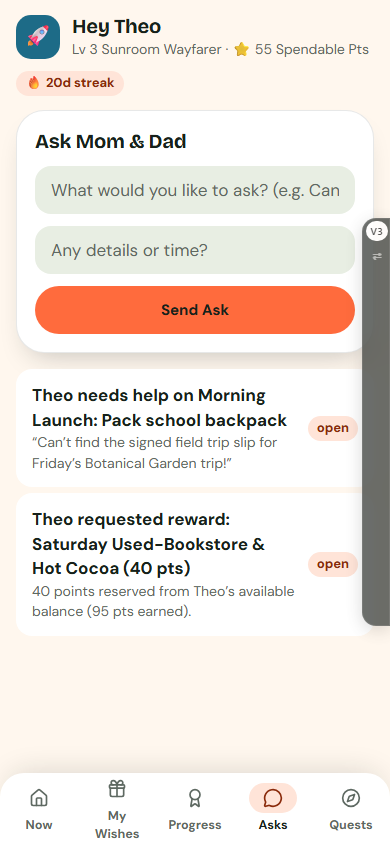
Step 1: Let Your Child Send a Bounded Meal Request from Kid Mode ("Yums")
In Kid Mode on mobile (390px), open the Yums tab. Young children and school-age kids can tap a favorite family recipe card to send a polite request to the adult planner.
Step 2: Approve Kid Requests in the 14-Day Meal Planner
Switch to the adult Meals → Planner workspace. Review pending kid requests alongside your weekday schedule and prep times, assign the dish to an open evening, and sync ingredients to Lists.
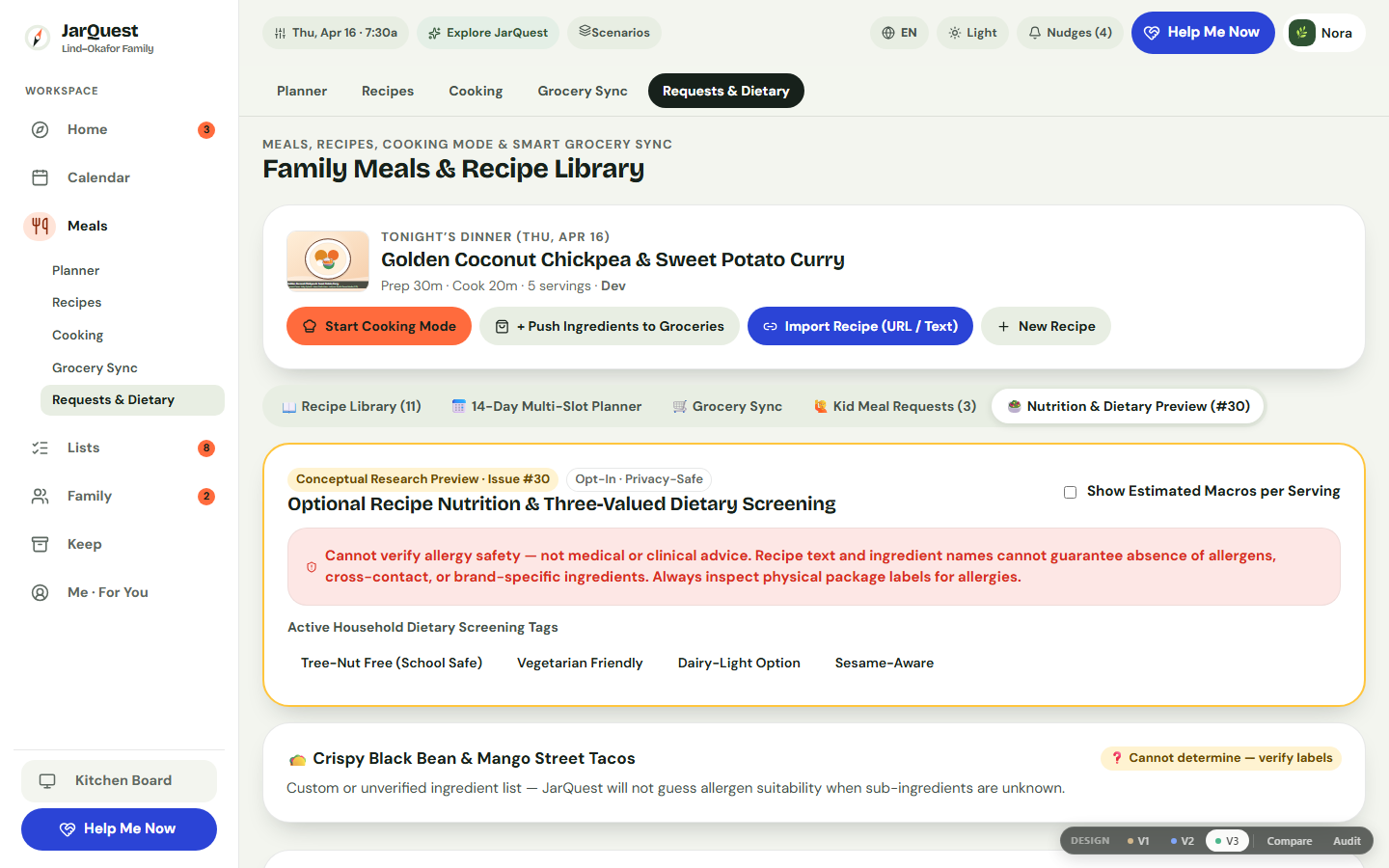
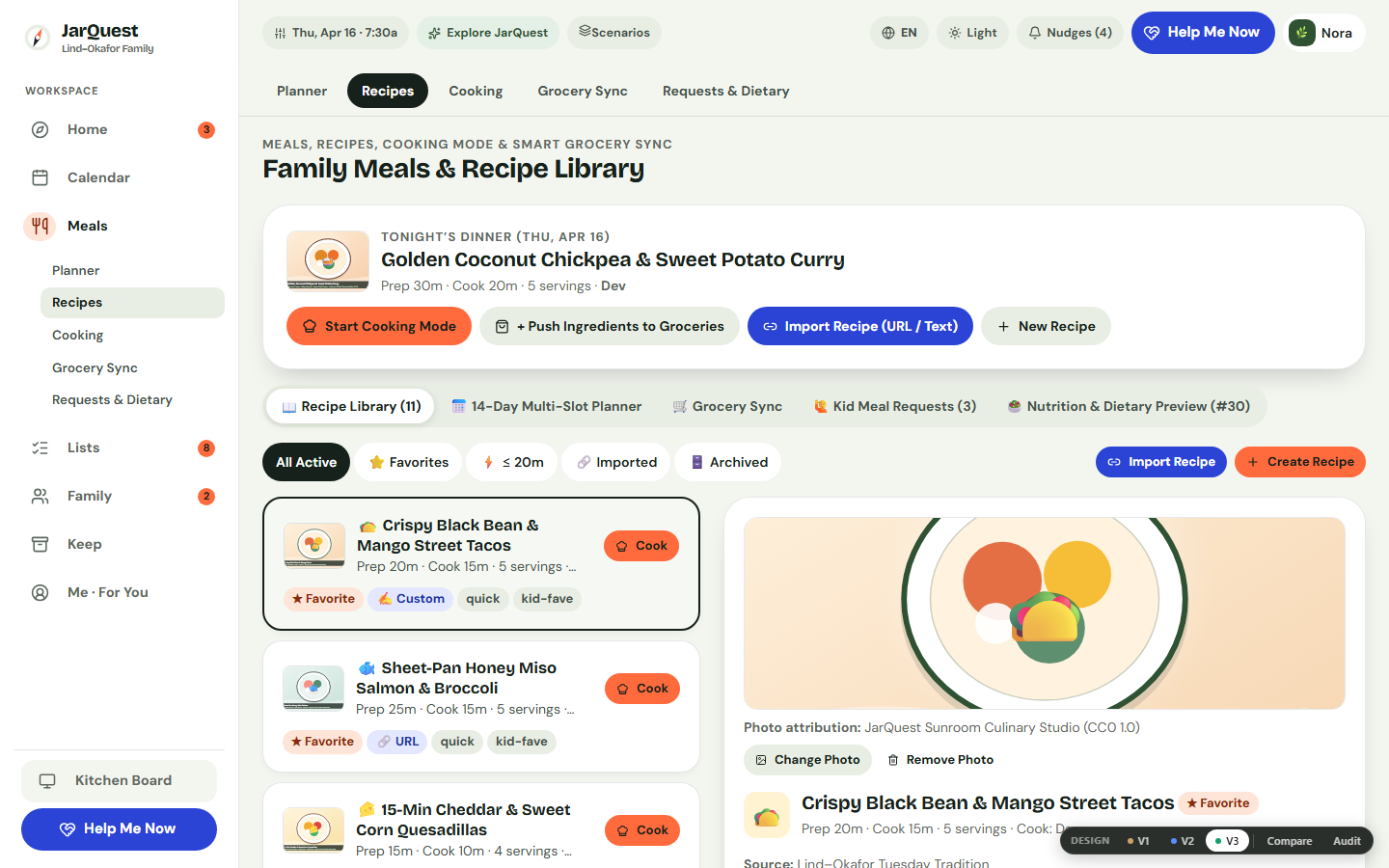
Step 3: Filter by Household Dietary Tags & Allergen Notes
Open Meals → Dietary & Requests (or Recipes) to inspect allergen tags (Nut-Free, Dairy-Optional, Vegetarian) and household modification notes in an adult-only informational view.
Honest Limitations & Planned Features
- What JarQuest reduces: 5:30 PM arguments over what is for dinner, the mental fatigue of cooking separate meals, and forgotten safe-side ingredients on shopping day.
- What JarQuest cannot guarantee: Software cannot change a child’s taste buds overnight or replace pediatric feeding therapy for clinical eating challenges.
- Prototype vs. Production Status: Kid Meal Requests in Kid Mode, the 14-day Meal Planner, Recipe Library with CC0 SVG food illustrations, one-tap Grocery Sync, and adult dietary tags are verified in the V3.4.1 prototype. Multi-device cloud sync is part of the upcoming production cloud release.
Frequently Asked Questions
What if my child refuses to eat anything except the "safe side" (like bread and fruit)?
Stay calm and let them eat the bread and fruit without lecturing or bribing. When the dinner table stays low-pressure and the main dish continues to appear regularly in deconstructed form, most kids gradually begin tasting adjacent components over time.
How many meal requests should a child get per week?
One request per child per week is the sweet spot: it gives each child genuine excitement for "their night" while leaving the other evenings flexible for the cook's schedule.
Does JarQuest show nutrition numbers or calorie counts to children?
No. Children only see warm food illustrations, recipe titles, and their own polite meal requests. Optional dietary and allergen tags are visible only to adults and carry an explicit non-medical disclaimer.
Related Guides & Contextual Next Step
- Related Guide 1: Weekly Meal Planning for Overwhelmed Parents: The 5-Dinner Rhythm
- Related Guide 2: How to Organize Family Recipes From Websites, Screenshots & Cookbooks
- Related Guide 3: Overwhelmed Parent? Switch Your Home to Minimum Viable Day Mode
- Free Printable Utility: Print a Weekly Family Checklist
- Explore the Feature: See Kid Meal Requests & the 14-Day Meal Planner in JarQuest